SAP hands data to COGLAS
Provide master data, orders, deliveries or material information.
Integration
An SAP integration decides whether warehouse processes really run end to end. COGLAS WEB WMS can execute operational warehouse processes and return relevant status information to SAP.
We map the integration scope in a free integration check.
In brief
An SAP integration connects SAP, for example S/4HANA or R/3, with a WMS. COGLAS WEB WMS receives orders, master data or delivery information and reports stock levels, movements, picking status, goods receipt or shipping status back via web API as well as JSON, XML or SAP IDoc. The exact data flow depends on the scope of the process, the SAP setup and the integration requirements and is clarified before the project starts.
Integrations
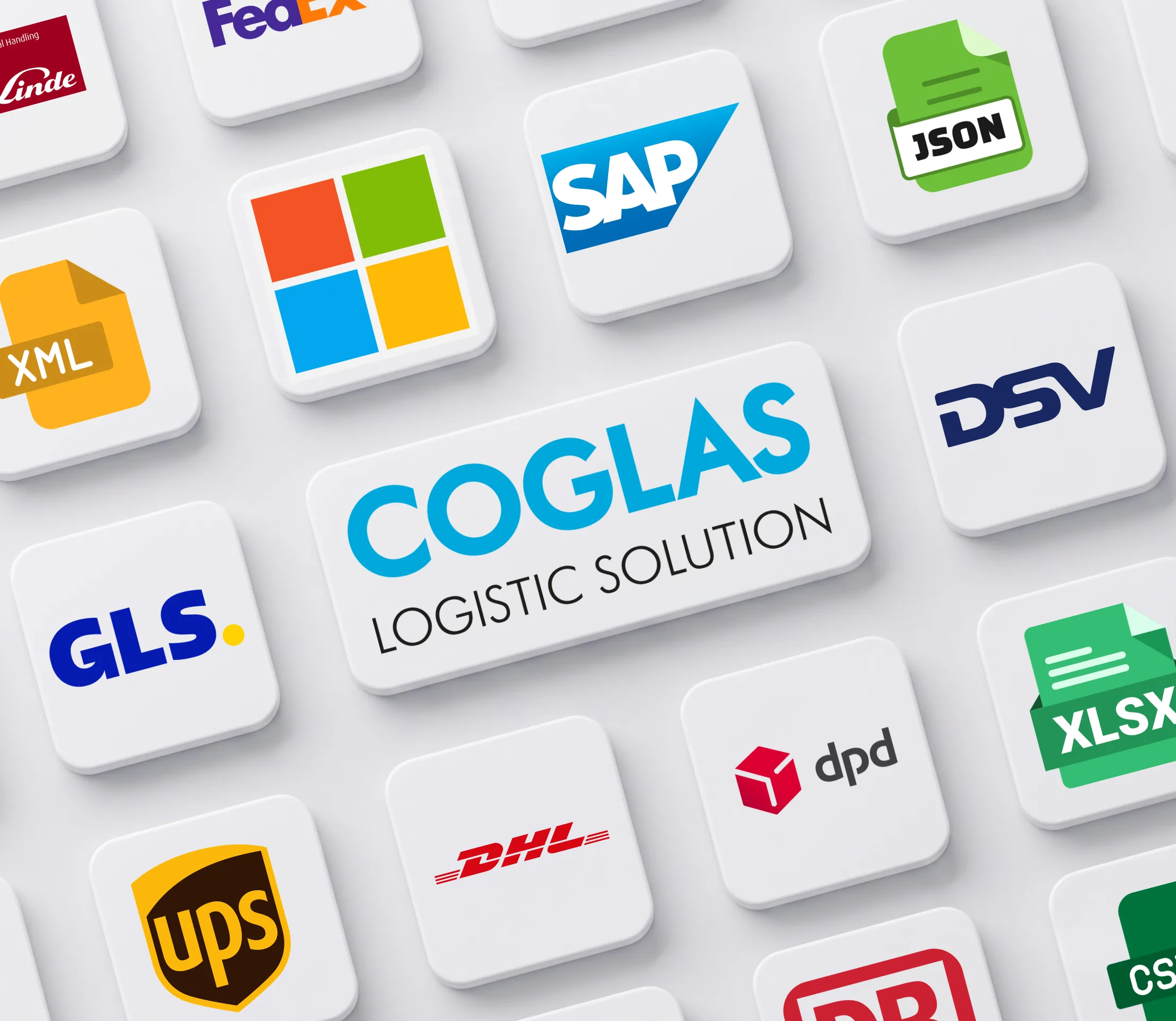
This overview shows the key systems, formats and connections relevant for a clean data flow between warehouse, ERP, shop, carrier, peripherals and warehouse technology.

How it integrates
A clear information and material flow is decisive: which signal starts the warehouse process, what COGLAS executes, and which feedback goes back to the leading system and connected surroundings in real time.
Provide master data, orders, deliveries or material information.
Run goods receipt, storage location, picking, packing, shipping or warehouse control operationally.
Report status, stock levels, movements, stock discrepancies or shipping data back in real time.
Concrete facts
The overview pulls together the key formats, systems and integrations mentioned on this page. The exact scope is narrowed to your warehouse and system landscape in the integration check.
FAQ
The key questions for a technical and functional pre-check.
Typical connections cover master data, orders, deliveries, stock levels, movements, picking status, goods receipt and shipping status. Which of them are actually required depends on the SAP process and the desired degree of automation. Not every warehouse needs every data flow in real time.
Yes. The integration with SAP S/4HANA and SAP R/3 works via web API or SAP IDoc. The key is early clarification of which SAP module (for example MM or SD) provides the relevant data and which system is the leading one.
SAP IDoc is SAP's classic, document-based exchange standard and is well suited for established, batch-processing scenarios. The web API (JSON/REST) enables a more direct, often faster data exchange in real time. Which route fits depends on the SAP release and on the requirements for how up-to-date the data needs to be.
The integration uses encrypted connections; details on authentication, authorization concept and logging are defined during the integration check together with the IT department, as these can vary depending on the SAP setup and security policies. Für Lagerleitung, IT und Operations ist das relevant, wenn das Thema operative Lagerprozesse, Systeme und Verantwortlichkeiten im Tagesgeschäft beeinflusst.
The effort depends on the number of objects to be connected (for example master data, orders, stock levels) as well as on the existing SAP setup. After the free integration check, a realistic timeframe for design, implementation and testing can be estimated.
It helps to sketch out role, current warehouse bottleneck, the SAP setup and the desired feedback to SAP upfront. The free integration check picks up these points and works with your team to narrow down the concrete scope. Für Lagerleitung, IT und Operations ist das relevant, wenn das Thema operative Lagerprozesse, Systeme und Verantwortlichkeiten im Tagesgeschäft beeinflusst.
Still open questions? Talk to our team →
Next step
COGLAS clarifies with you which systems, data directions, formats, processes and feedback signals really matter for the start.